Vercel MCP MCP server
Lets an AI agent search Vercel's documentation, manage your projects and deployments, read deployment logs, and query Web Analytics for your Vercel account.
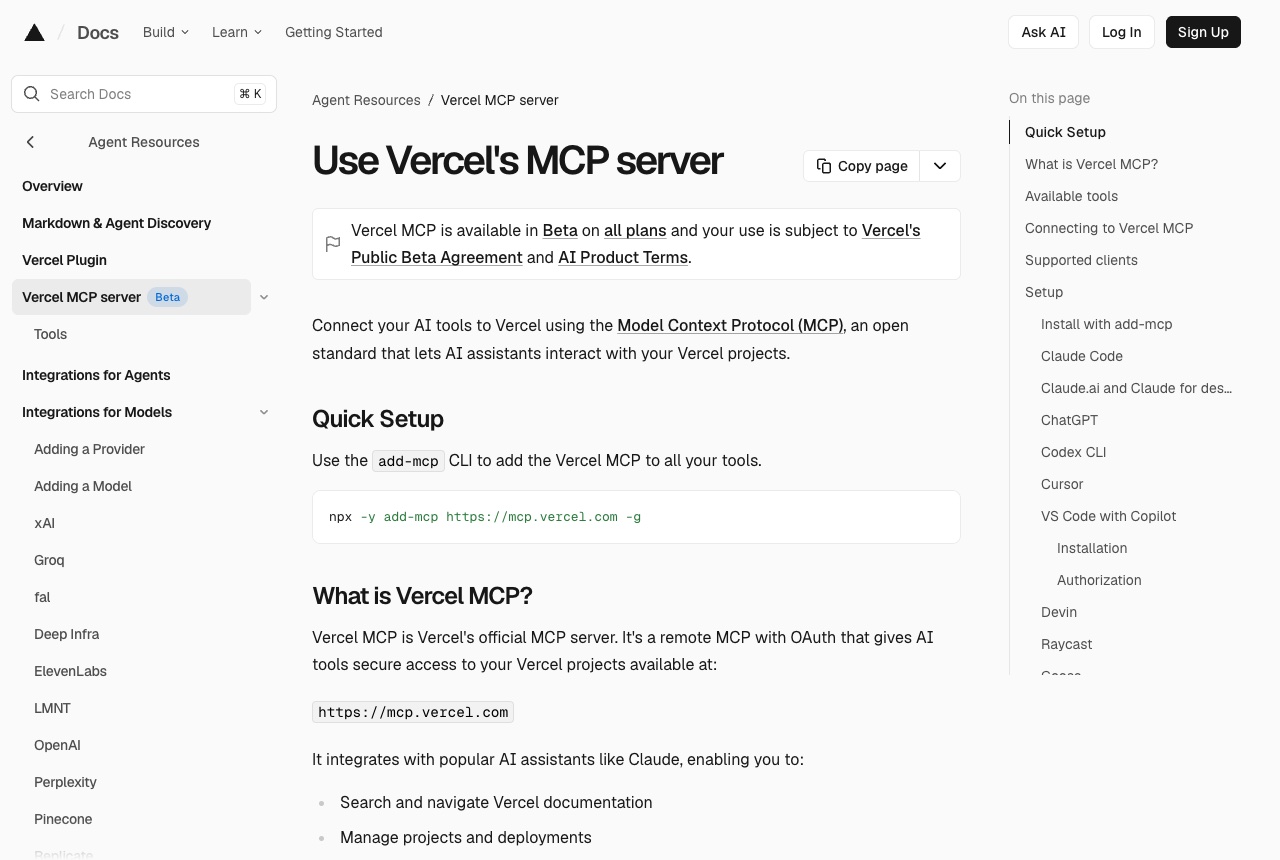
Vercel MCP is Vercel's official MCP server, a remote server with OAuth at https://mcp.vercel.com. The docs list what it lets an assistant do: search and navigate Vercel documentation, manage projects and deployments, analyze deployment logs, and query visitors, page views and custom events. Some tools are public and work without signing in; the rest need Vercel authentication. For Claude Code the docs give: claude mcp add --transport http vercel https://mcp.vercel.com, then run /mcp inside Claude Code to authenticate. There is also a one-line installer, npx add-mcp https://mcp.vercel.com, which detects the clients you have installed. Vercel only supports clients it has reviewed and approved; the list includes Claude Code, Claude.ai and Claude for desktop, ChatGPT, Codex CLI, Cursor, VS Code with Copilot, Devin, Raycast, Goose, Windsurf, Gemini Code Assist, Gemini CLI, OpenCode and Pi. We would add it when an app is deployed on Vercel and you want the agent to see why a build failed, read the deployment logs, and check that a fix went out, without pasting logs into the chat by hand. It is in Beta, and use is subject to Vercel's Public Beta Agreement. The docs point out that connecting it grants the AI system the same access as your Vercel user account, warn about prompt injection from untrusted tools in the same workflow, and recommend keeping human confirmation on so each step is reviewed before it runs.
Logs that used it
Nothing written with this yet. An entry lands here the moment somebody names this tool in one — attach it from the composer’s + menu.
Reviews 0
No reviews yet. Rate it from what you built with it.
Sign in to rate Vercel MCP