Supabase MCP MCP server
Lets an AI coding agent list tables, run SQL, apply migrations, read logs and advisors, and generate TypeScript types for your Supabase projects.
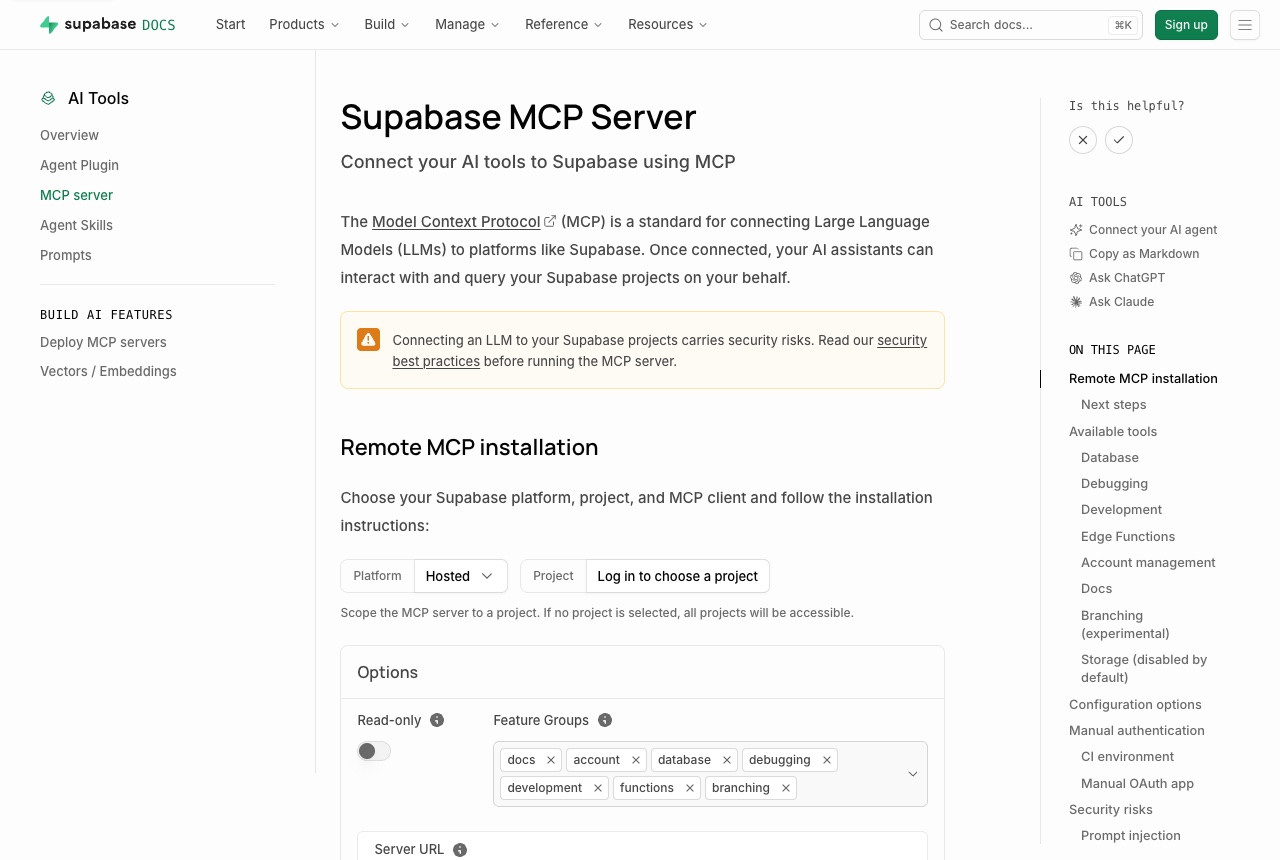
The Supabase MCP server connects an AI coding agent to your Supabase account. Its tools are grouped by feature: Database (list tables, extensions and migrations, apply a migration, execute SQL), Debugging (query project logs, get security and performance advisors), Development (project URL, publishable keys, TypeScript types generated from the schema), Edge Functions, Account management, Docs search, Branching and Storage. Every group except Storage is on by default. It is a hosted server at https://mcp.supabase.com/mcp. For Claude Code the docs give: claude mcp add --scope project --transport http supabase "https://mcp.supabase.com/mcp". They also cover Codex, Gemini CLI, GitHub Copilot, Cursor, VS Code, Claude.ai, ChatGPT, Goose and others. The first connection opens a browser to sign in to Supabase, and no personal access token is needed. We think it is worth adding when your agent is building against a Supabase backend: it can read the real schema before writing a query, apply a migration, check the advisors afterwards, and regenerate types so the app code matches the database. The docs say plainly that connecting an LLM to your projects carries security risks, mainly prompt injection through content stored in your data, and recommend keeping manual approval on and reviewing each tool call. Two URL options narrow what it can reach: ?read_only=true runs every query as a read-only Postgres user, and ?project_ref=<id> scopes the server to one project.
Logs that used it
Nothing written with this yet. An entry lands here the moment somebody names this tool in one — attach it from the composer’s + menu.
Reviews 0
No reviews yet. Rate it from what you built with it.
Sign in to rate Supabase MCP