shadcn MCP server MCP server
The MCP server built into the shadcn CLI, which lets an AI assistant browse, search and install components from shadcn/ui and any other registry configured in your project.
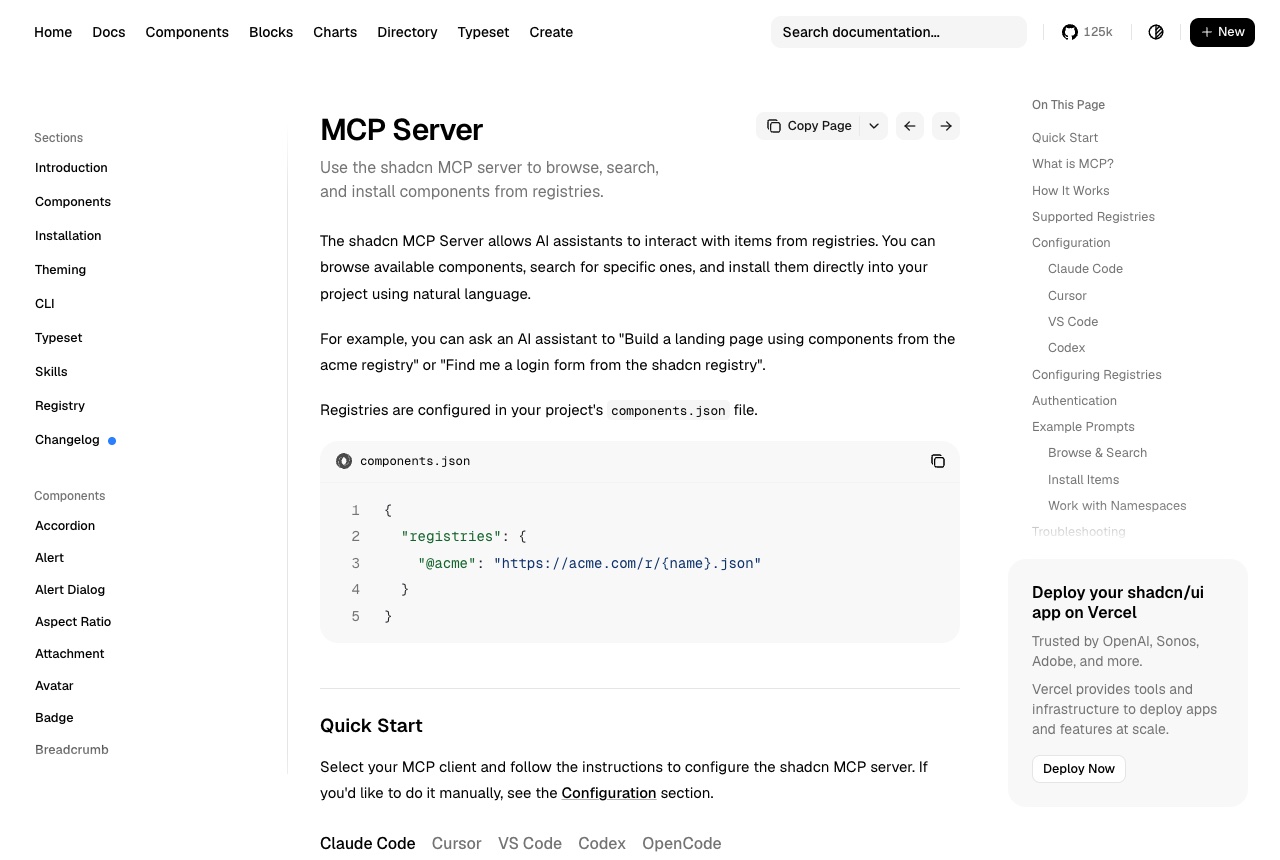
The shadcn MCP server comes with the shadcn CLI and lets an AI assistant work with component registries in plain language. It can list what a registry offers, search across several registries at once, and install items into your project, acting as a bridge between the assistant, the registries and the CLI. The default shadcn/ui registry needs no configuration; others, including private company registries, are added under registries in your project's components.json and addressed with an @namespace. In a project, the docs give one command for Claude Code: pnpm dlx shadcn@latest mcp init --client claude. The manual equivalent is an entry named shadcn in .mcp.json whose command is npx with the arguments shadcn@latest and mcp. Restart Claude Code and run /mcp to confirm it shows as connected. The docs also cover Cursor, VS Code, OpenCode and Codex; for Codex the config file has to be edited by hand. We find it useful in the moment an agent is about to hand-write a dialog or a form from scratch. Asking it to add the button, dialog and card components, or to build a contact form from the registry, gets you the same components the rest of your project uses rather than a lookalike. It depends on the project being set up for shadcn. The troubleshooting section says an install can fail without a valid components.json, and asks you to confirm the target directories exist and that the configured registries can be reached. Private registries need their tokens set as environment variables.
Logs that used it
Nothing written with this yet. An entry lands here the moment somebody names this tool in one — attach it from the composer’s + menu.
Reviews 0
No reviews yet. Rate it from what you built with it.
Sign in to rate shadcn MCP server