Neon MCP Server MCP server
Lets an AI agent manage Neon Postgres projects and branches, run SQL, inspect and change schemas, and run database diagnostics from plain requests.
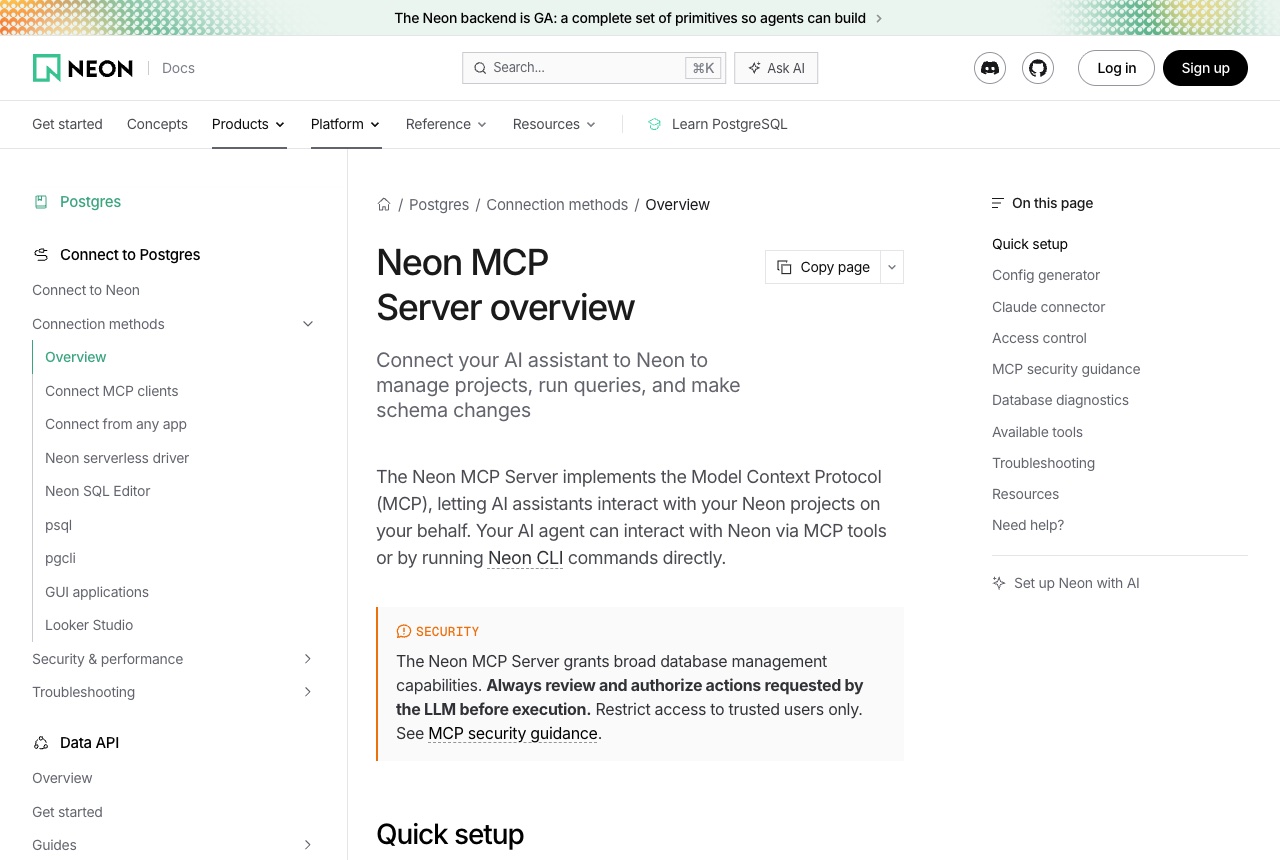
The Neon MCP Server lets an AI assistant work with your Neon Postgres account. According to Neon's docs it can manage projects and branches, run SQL queries and transactions, inspect and modify schemas, create and restore snapshots, manage compute endpoints, and query logs and run database diagnostics, across eleven tool categories. The remote server is at https://mcp.neon.tech/mcp. Neon's quick setup is npx neon@latest init, and the repository README also shows npx add-mcp with the remote URL, authenticated either through OAuth or with a Neon API key sent as a bearer token. The docs name Cursor, Claude Code, Codex, and Claude.ai and Claude Desktop, where Neon is an official connector; the README adds VS Code with GitHub Copilot, Cline, Windsurf, Zed and Kiro. We find it most useful alongside Neon's branching: the agent can create a branch, try a schema change there, and leave the main branch alone until you are happy, which suits someone iterating on an app's data model with an agent. Neon is direct about the limits. The docs say the server grants broad database management capabilities, that you should always review and authorize actions the LLM requests before they run, and that it is intended for local development and IDE use rather than production, so keep it away from production data. Append ?readonly=true to the URL to disable write tools, or ?projectId=<id> to keep it to one project.
Logs that used it
Nothing written with this yet. An entry lands here the moment somebody names this tool in one — attach it from the composer’s + menu.
Reviews 0
No reviews yet. Rate it from what you built with it.
Sign in to rate Neon MCP Server