GitHub MCP Server MCP server
GitHub's official MCP server: lets an AI agent read repositories and code, manage issues and pull requests, check Actions runs and review security findings.
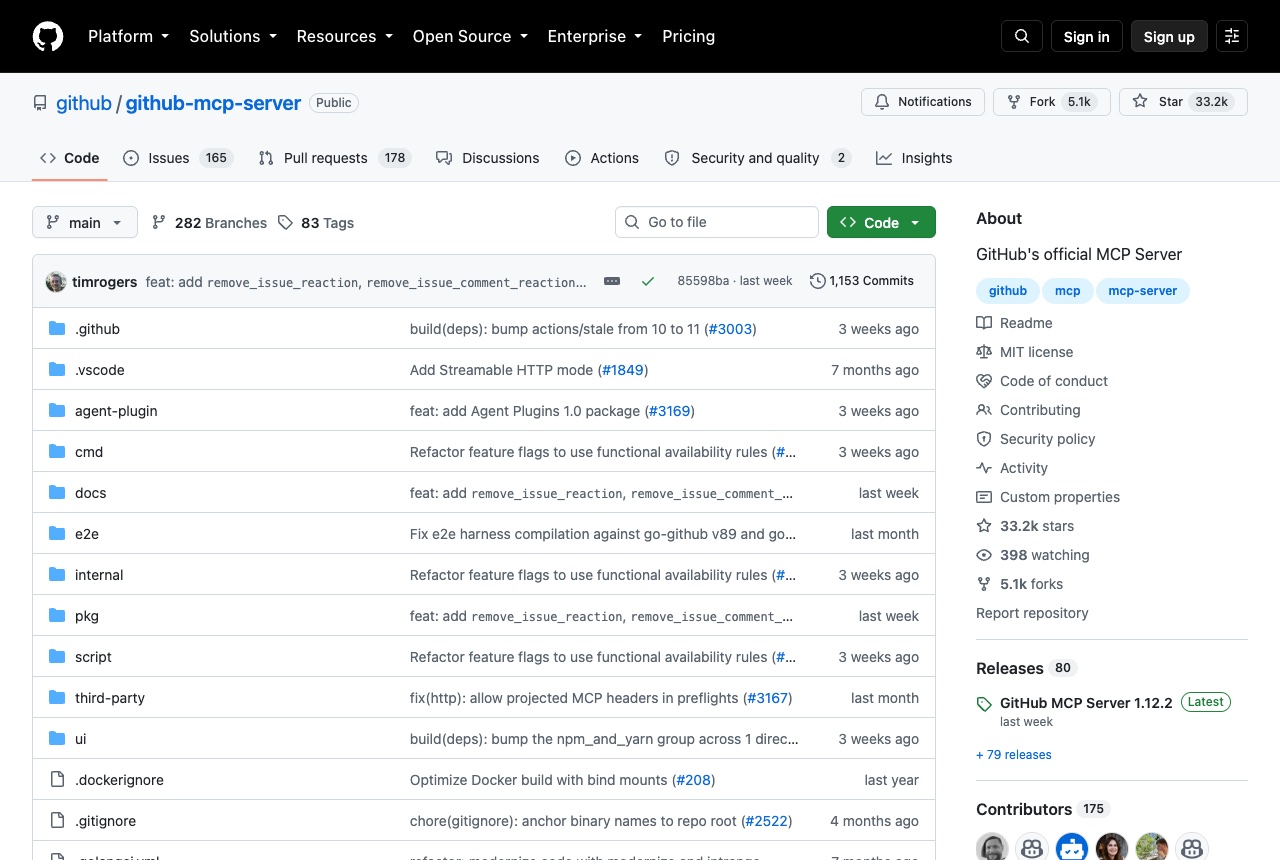
The GitHub MCP Server is GitHub's official server for connecting AI tools to GitHub. The README says it lets agents read repositories and code files, manage issues and pull requests, analyze code and automate workflows, including monitoring GitHub Actions runs and build failures. Tools are grouped into toolsets; the defaults are context, repos, issues, pull_requests and users, and others such as actions, code_security, discussions and projects can be turned on. There is a remote server at https://api.githubcopilot.com/mcp/ and a local one shipped as a Docker image. The Claude install guide gives, for Claude Code 2.1.1 and newer: claude mcp add-json github '{"type":"http","url":"https://api.githubcopilot.com/mcp","headers":{"Authorization":"Bearer YOUR_GITHUB_PAT"}}'. Install guides also exist for VS Code, Visual Studio, Claude Desktop, Cursor, Windsurf, Zed, JetBrains IDEs, Gemini CLI, OpenCode, GitHub Copilot CLI and others. We would add it when the agent should work across the whole loop: read an issue, open a pull request, then check why the Actions run failed. Treat the token with care. The guide says to avoid hardcoding it and never to commit it to version control. Read-only mode is available through the X-MCP-Readonly header or a /readonly URL on the remote server, or --read-only locally, and you can choose which toolsets are enabled.
Logs that used it
Nothing written with this yet. An entry lands here the moment somebody names this tool in one — attach it from the composer’s + menu.
Reviews 0
No reviews yet. Rate it from what you built with it.
Sign in to rate GitHub MCP Server