Context7 MCP server
Upstash's documentation tool that fetches current, version-specific library docs and code examples into an AI agent's context, as an MCP server or as a CLI with a skill.
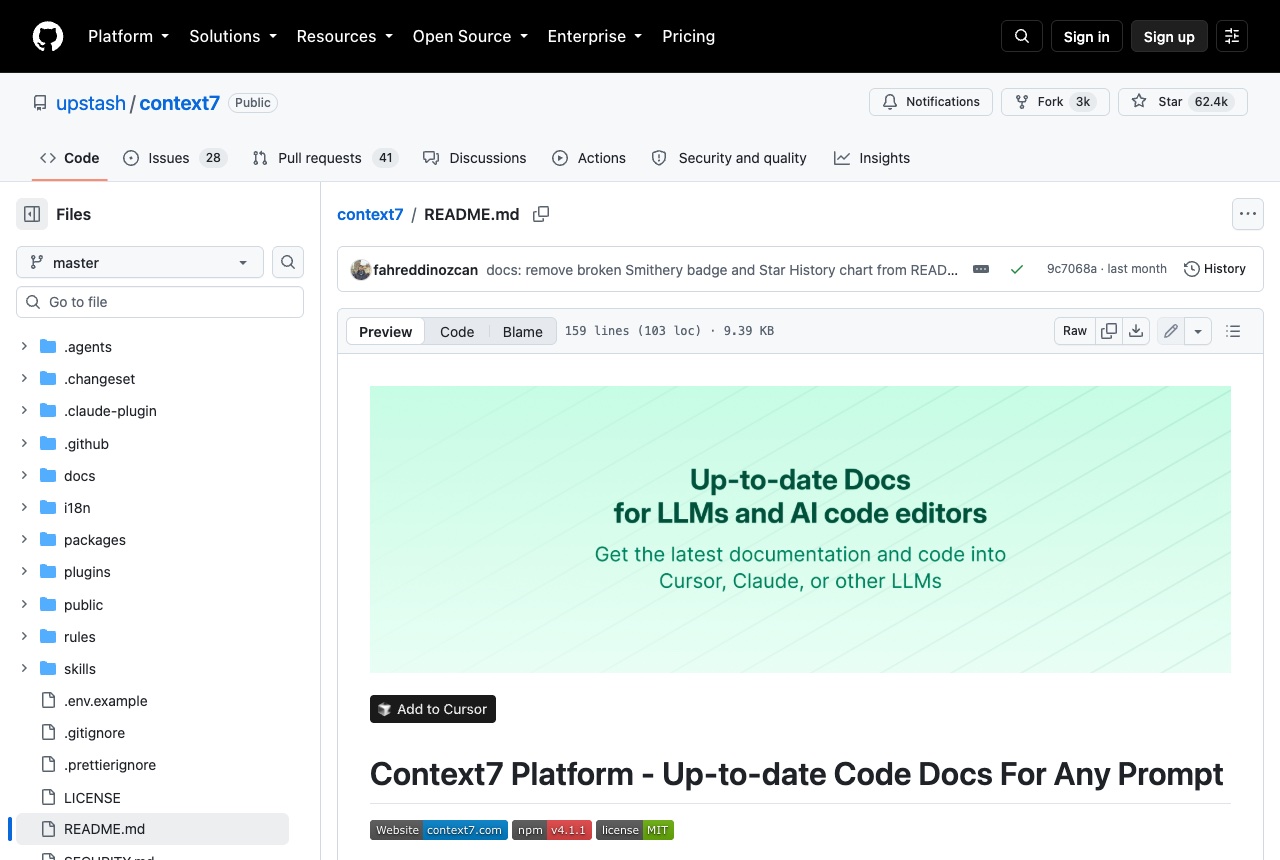
Context7, from Upstash, fetches up-to-date, version-specific documentation and code examples for the libraries you use and places them in the agent's context. As an MCP server it offers two tools: resolve-library-id, which turns a library name into a Context7 ID, and query-docs, which retrieves documentation for that ID. It also works without MCP, as a ctx7 CLI plus a skill that tells the agent when to call it. The quickest setup, which needs Node.js 18 or newer, is: npx ctx7 setup. It signs you in through OAuth, creates an API key and installs the right configuration for your agent, with --claude, --cursor or --opencode to pick one. To configure it by hand, point your MCP client at https://mcp.context7.com/mcp and send the key in an Authorization: Bearer header. A free key is recommended for higher rate limits. It is worth reaching for when an agent keeps writing code against an older version of a framework than the one in your project. Adding "use context7" to a prompt, or naming a library ID such as /supabase/supabase, gives the model the current docs instead of what it remembers from training. The README's disclaimer matters here: Context7 projects are community-contributed, and Upstash says it cannot guarantee the accuracy, completeness or security of all library documentation. The API backend, parser and crawler are private and not part of the repository.
Logs that used it
Nothing written with this yet. An entry lands here the moment somebody names this tool in one — attach it from the composer’s + menu.
Reviews 0
No reviews yet. Rate it from what you built with it.
Sign in to rate Context7