OpenAI Codex CLI Agent
OpenAI's open-source coding agent that runs locally in your terminal, inspecting your repository, editing files and running commands inside a sandbox you configure.
BuildersGagik Hakobyan
Logs that used it
Two logs, one tool. Each node is tinted by its project’s stage.That is everything written with OpenAI Codex CLI.
Write-up
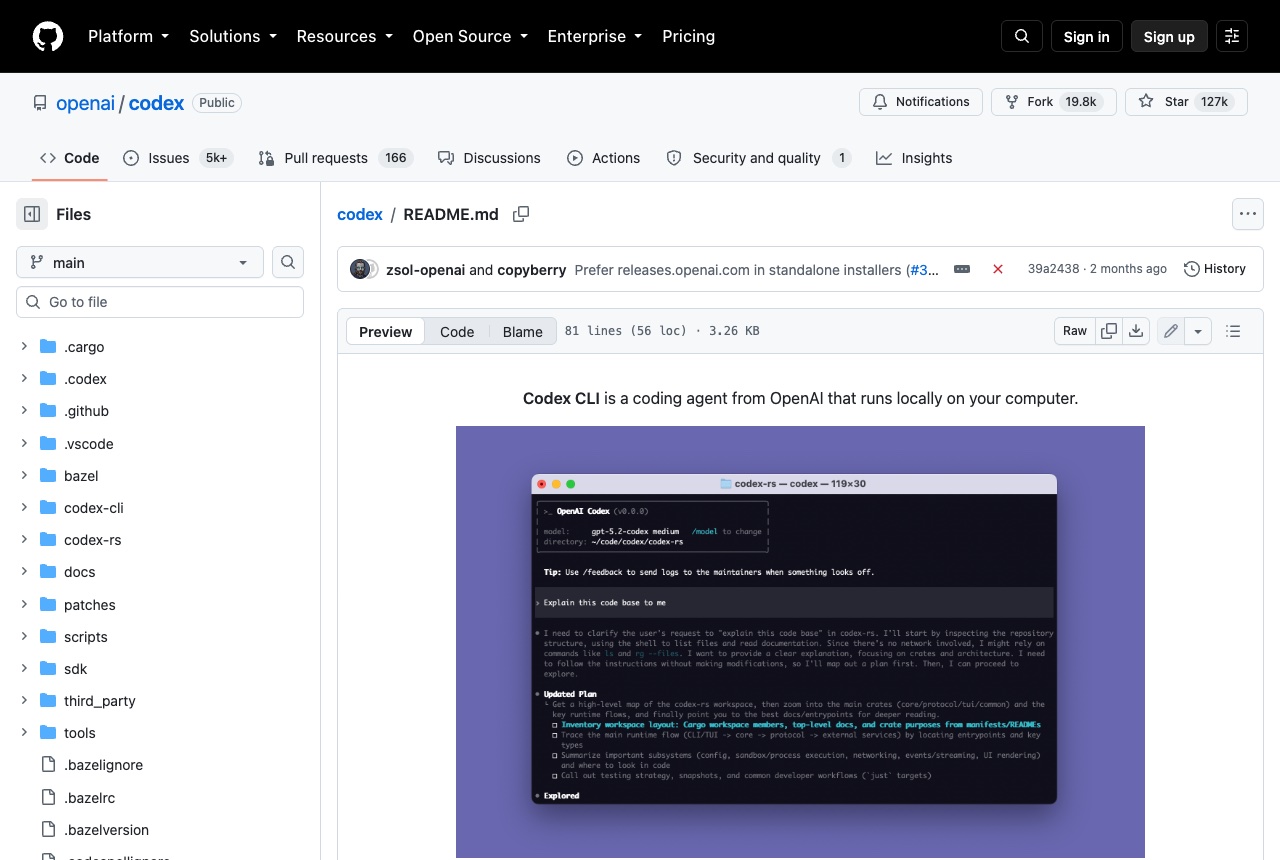
Codex CLI is OpenAI's coding agent that runs locally on your computer. From a terminal in your project it can explain the codebase, plan and make changes across files, and run the tools already installed on your machine. The same agent can be called from scripts and CI with codex exec, and there are separate IDE, desktop and cloud versions. The CLI is open source under the Apache-2.0 license. On Mac or Linux the README's installer is: curl -fsSL https://chatgpt.com/codex/install.sh | sh. It can also be installed with npm install -g @openai/codex or brew install --cask codex. Run codex in a project and choose Sign in with ChatGPT to use it with a Plus, Pro, Business, Edu or Enterprise plan; using an API key instead takes additional setup. We think it suits builders who already pay for ChatGPT and want an agent that stays inside one repository. Ask it to explain an unfamiliar project, or to make one focused change and show you the diff, and use /permissions to choose how much it may do without asking. It is careful by default, and the docs explain what that means. Locally it runs in an OS-enforced sandbox with no network access and writes limited to the active workspace, and it asks before editing files outside the workspace or running commands that need the network. The CLI docs still recommend creating git checkpoints before and after a task so you can revert changes.
1 / 2
Reviews 1
5.0 from 1 builder
Sign in to rate OpenAI Codex CLIThat is every review of OpenAI Codex CLI.